Protecting your skin on the job requires reliable tools, especially when working outside during peak daylight hours.
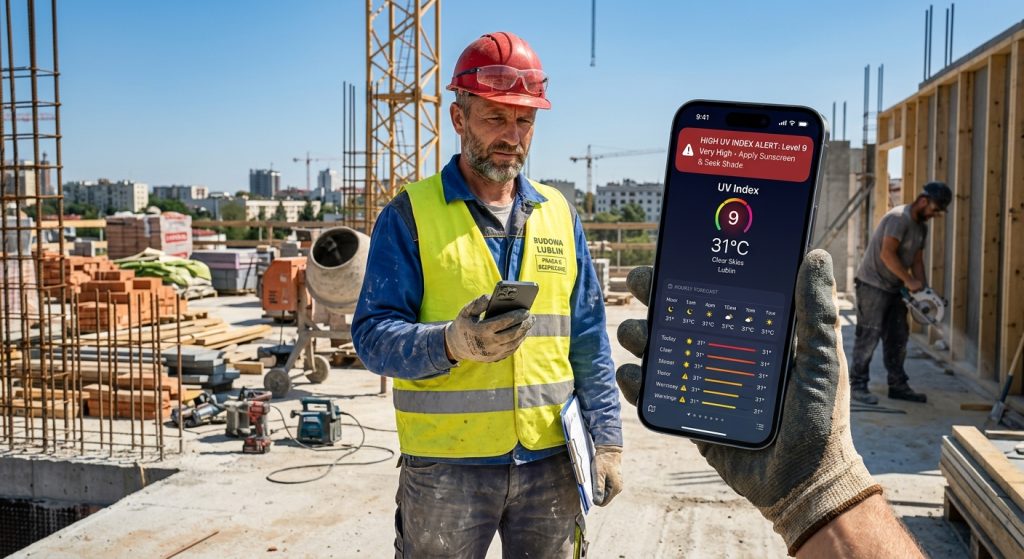
Outdoor workers must use custom weather alerts to monitor dangerous UV index levels before sun exposure causes harm. For example, using the Weather Alerts: Radar Tracker app allows you to receive instant push notifications when UV rays spike on your job site.
What are custom weather alerts for UV index?
Custom weather alerts for UV index are automated warnings that trigger when solar radiation reaches a specific, unsafe threshold. Specifically, these notifications help you seek shade or apply sunscreen exactly when the risk becomes severe.
Because sun intensity changes rapidly throughout the afternoon, guessing the current index is never safe. Therefore, configuring strict thresholds ensures you always know the exact conditions. In addition, you can pair these updates with live weather radar tracking to foresee approaching cloud cover.
Why do outdoor workers need push notifications for sun safety?
Outdoor workers need push notifications because constantly checking a phone interrupts manual labor and lowers overall productivity. As a result, an automatic audio ping ensures you instantly know about extreme heat spikes or sudden severe weather warnings.
Also, you can customize these alerts using the Quiet Hours and Active Hours settings in the app. For instance, you will only receive UV warnings during your actual shift, preventing unnecessary interruptions at home. Then, you can focus entirely on your work.
How do home screen weather widgets help track UV exposure?
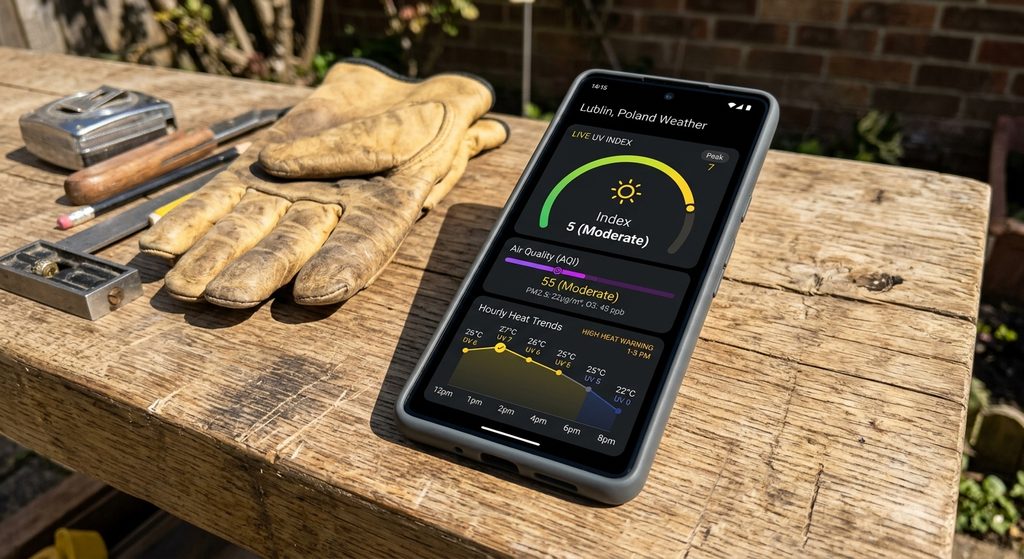
Home screen weather widgets display real-time UV index, air quality, and temperature data directly on your phone display without opening the application. Then, you can quickly glance at your device to assess local conditions while wearing work gloves.
Similarly, a broader live weather radar view can be accessed with just one tap. Meanwhile, utilizing a widget saves precious battery life and time on remote job sites. Still, you get the benefit of constant environmental monitoring.
How do I install Weather Alerts: Radar Tracker on iOS and Android?
You can install Weather Alerts: Radar Tracker by downloading it directly from the App Store for iOS devices or Google Play for Android phones. Finally, setup takes just seconds, giving you immediate access to sun safety tools and live tornado warnings.
Next, you should enable location services to ensure your alerts match your precise work zone. Instead of waiting for the evening news, check out the weather alert guides on our blog to optimize your daily routine.
- Download the app for iOS from the App Store.
- Download the app for Android from Google Play.
- Visit our official page to download Weather Alerts and view all feature requirements.
- Configure your personal UV index and extreme heat thresholds.
- Set your Active Hours to perfectly match your outdoor work schedule.