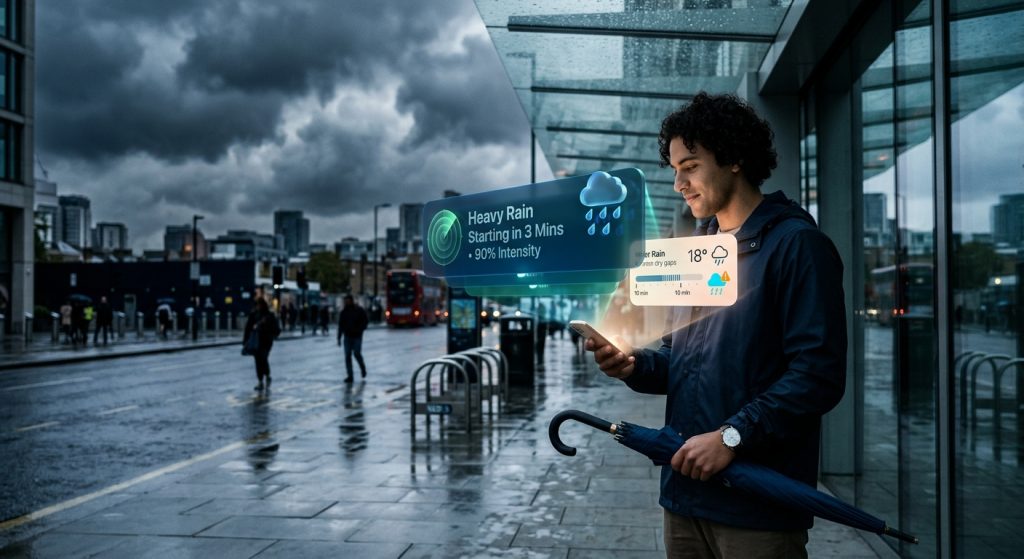
Getting caught in a sudden downpour is frustrating, but modern atmospheric tracking tools make it entirely preventable.
A custom rain notification is a highly localized push alert triggered exactly when precipitation thresholds are met in your area. By utilizing live weather radar data, these alerts warn you immediately before a sudden downpour begins.
What triggers a rain notification on my phone?
A rain notification triggers when local doppler radar detects precipitation matching your custom intensity thresholds. Therefore, you receive an instant push notification precisely when rain or snow starts in your specific microclimate.
Instead of relying on a broad daily forecast, a dedicated weather forecast app monitors local weather station feeds continuously. When a storm system or cold front crosses into your radar weather zone, the system calculates the exact precipitation start and stop times. You can also explore custom weather alert guides on our blog to learn more about tracking these specific front boundaries.
How do custom weather alerts improve daily safety?
Custom weather alerts improve daily safety by delivering urgent push notifications before severe atmospheric changes occur. As a result, you can quickly avoid dangerous local travel conditions caused by sudden squalls.
Whether you are commuting or working outdoors, knowing exactly when precipitation will hit allows you to seek shelter. Furthermore, these alerts integrate directly with official severe weather warnings, ensuring you are also notified about escalating threats like flash floods or severe thunderstorms.
Can I silence rain alerts during the night?
Yes, you can easily mute non-urgent rain warnings overnight by configuring Quiet Hours in your app settings. However, critical emergency warnings will still trigger loud alarm sounds to keep you safe.
Custom notification controls allow you to filter out minor events, such as light fog or drizzle, while you sleep. Active Hours ensure you only receive standard precipitation updates when you actually need them for planning your day.
Which notification settings work best for precipitation?
The most effective precipitation settings combine precise start and stop times with customized audio cues. Specifically, you might assign a gentle chime for light drizzle and a distinct bell for heavy rain.
By differentiating the alert sounds, you know exactly what type of weather is approaching without even looking at your screen.
| Feature | Basic Weather App | Weather Alerts: Radar Tracker |
|---|---|---|
| Precipitation Alerts | Generic daily chance percentage | Custom start/stop intensity thresholds |
| Notification Control | All or nothing alerts | Quiet Hours & custom audio cues |
| Tracking Technology | Delayed regional summaries | Live weather radar & microclimate data |
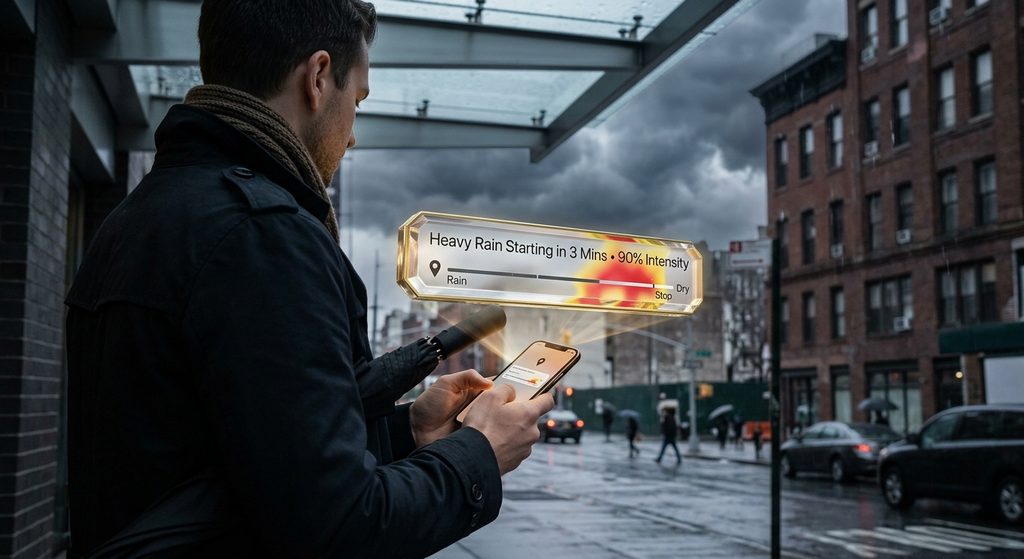
How to get reliable rain notifications today?
You can receive highly accurate rain notifications by downloading a dedicated weather forecast app equipped with live doppler radar. Then, simply configure your specific location to monitor approaching storms instantly.
To take control of your local forecast, you can Download Weather Alerts for custom weather notifications on Google Play. By using Weather Alerts: Radar Tracker, you guarantee that you are never caught off guard by changing skies.
- Install the app and grant location permissions to track your microclimate.
- Set your preferred precipitation intensity thresholds for rain and snow.
- Configure Quiet Hours to mute minor rain alerts while you sleep.
- Add a home screen weather widget to view live radar updates at a glance.