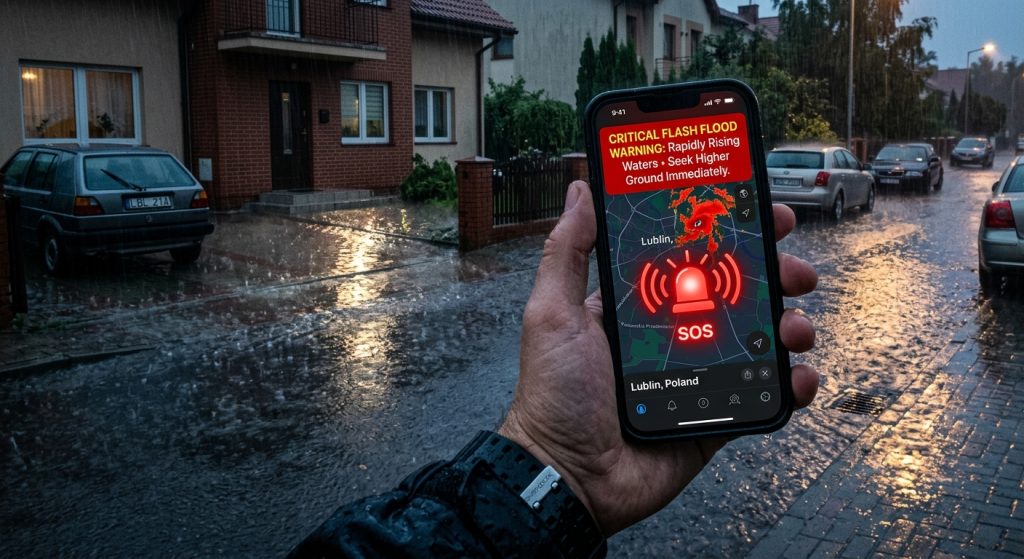
Floods can happen suddenly, leaving you with little time to react.
To secure your property, you need a reliable weather app for Android and iOS that delivers immediate push notifications. Specifically, installing Weather Alerts: Radar Tracker ensures you receive official severe weather warnings before water levels rise.
How Do You Track Unexpected Flash Floods?
You can track developing storms and heavy rainfall using live weather radar and doppler radar tracking. For example, the app provides high-definition storm radar maps directly on your phone.
Therefore, tracking weather front boundaries helps you anticipate heavy precipitation. Additionally, reading weather alert guides on our blog teaches you how to interpret these radar layers effectively. As a result, you stay prepared for any atmospheric shift in your local radar weather zone.
Why Are Custom Push Notifications Important for Flood Risks?
Custom push notifications ensure you wake up for critical emergency warnings while ignoring minor daily updates. Similarly, you can assign custom sounds like sirens specifically for flash flood alerts.
Because these alerts are tailored to your needs, you never miss a life-saving warning. Furthermore, using Quiet Hours limits non-urgent notifications at night. Instead, only official emergency notifications with sound break through the silence when danger approaches.
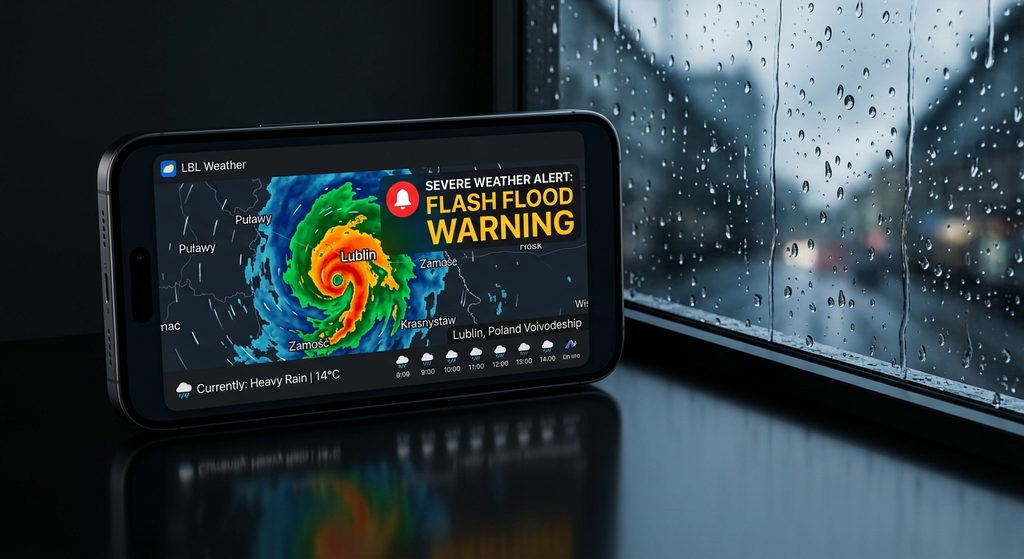
What Are the Best Notification Settings for Flood Safety?
The best settings combine official flash flood warnings with custom rain intensity thresholds. Specifically, you should enable emergency notifications with sound for all sudden severe weather warnings.
| Alert Type | Recommended Setting | Purpose |
|---|---|---|
| Flash Flood Warning | Emergency Sound (Siren) | Immediate evacuation notice |
| Heavy Rain Start | Custom Chime | Prepare for potential water pooling |
| Non-Urgent Updates | Quiet Hours Active | Sleep without interruption |
Meanwhile, adding these custom weather alerts prevents you from being caught off guard. Next, adjust your Active Hours to match your daily schedule so you always receive relevant forecasts.
How Can You Monitor Weather Radar Fast?
You can monitor conditions instantly by adding a home screen weather widget to your device layout. Consequently, you see active warnings and live rain data without opening the app.
Finally, keeping an eye on the hourly forecast reveals exact precipitation start times. Still, nothing beats having real-time severe weather warnings pushed directly to your screen.
- Head over to download Weather Alerts to secure your mobile device.
- Install the iOS version from the App Store.
- Install the Android version from Google Play.
- Enable push notifications and select custom sounds for flash flood warnings.
- Add a weather widget to your home screen for quick daily updates.