Space weather directly impacts our planet, but many people misunderstand how geomagnetic storm and aurora alerts actually work.
Tracking the Northern Lights requires monitoring specific Kp index thresholds and solar activity. Therefore, using a dedicated weather tracker app ensures you receive accurate space weather notifications before the event peaks.
Do you need clear skies to receive geomagnetic storm alerts?
No, geomagnetic storm alerts trigger based on global solar activity and Kp index levels, regardless of your local cloud cover.
However, you still need clear skies to physically see the aurora borealis. For instance, Weather Alerts: Radar Tracker sends push notifications for space weather events, but you should also check the live weather radar for local cloud coverage. Specifically, adjusting your Quiet Hours prevents your phone from waking you if a storm hits during a heavy rainstorm.
Are aurora warnings only useful for people living in the extreme north?
False; intense geomagnetic storms can push aurora visibility far south, making space weather alerts essential for mid-latitude regions as well.
As a result, sudden Kp index spikes can surprise observers in unexpected areas. Similarly, setting custom weather alerts for higher Kp index thresholds ensures you know when a massive storm expands the viewing zone. In addition, checking our weather alert guides on our blog helps you understand these rare atmospheric shifts.
Do standard severe weather warnings include space weather?
Standard severe weather warnings focus on terrestrial threats like tornadoes and floods, meaning they do not include geomagnetic storm data.
Instead, you need a specialized forecast tool to track solar weather alongside terrestrial weather. For example, relying on a unified app allows you to monitor both local severe weather warnings and Kp index space weather. Meanwhile, utilizing a home screen weather widget keeps both local rain probability and aurora conditions visible at a glance.
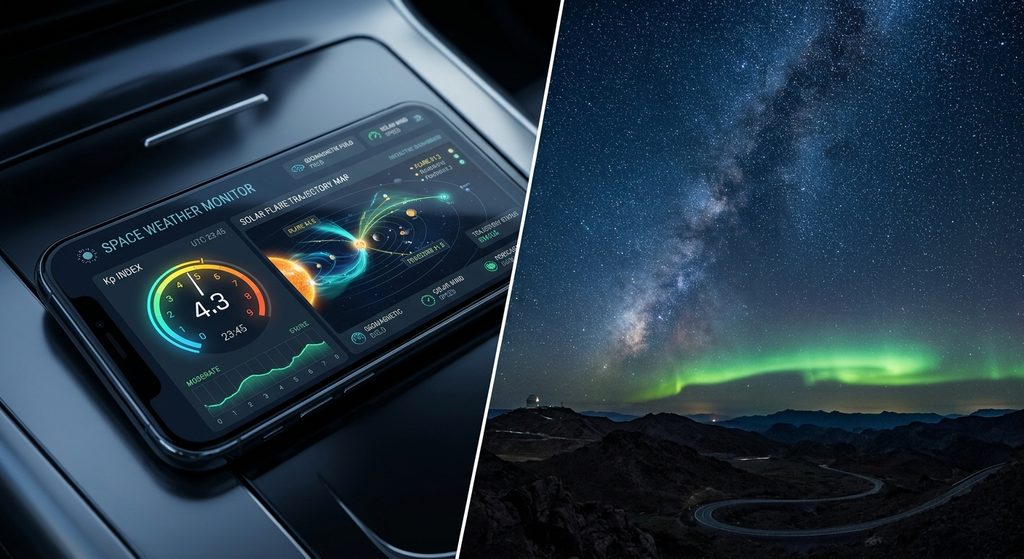
Next, this table compares different Kp index levels and their corresponding alert setups.
| Kp Index Level | Storm Intensity | Recommended Notification Setting |
|---|---|---|
| Kp 1 to 3 | Quiet to Unsettled | Background tracking only |
| Kp 4 to 6 | Active to Moderate Storm | Standard push notifications |
| Kp 7 to 9 | Strong to Extreme Storm | Emergency warnings overriding Quiet Hours |
Will tracking geomagnetic storms drain your phone battery?
Tracking space weather does not drain your battery if your weather app processes the data efficiently in the background.
Still, modern push notifications wake your device only when specific custom weather alerts are met. Finally, you can safely download Weather Alerts without worrying about excessive power consumption.
So, follow these steps to prepare your device for the next solar event:
- Install Weather Alerts: Radar Tracker to enable custom tracking.
- Navigate to the space weather section and enable geomagnetic storm alerts.
- Set your preferred Kp index threshold to trigger push notifications.
- Configure Quiet Hours and Active Hours so you only receive alerts when you are awake.