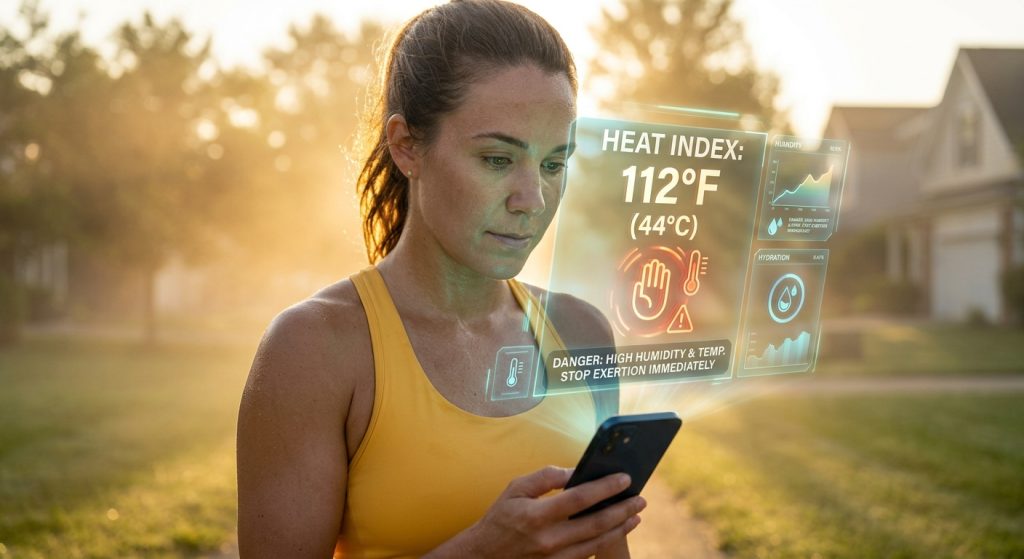
Sarah laced up her running shoes for a morning 10K, assuming the 75-degree air meant a comfortable workout. Halfway through the route, a sudden spike in humidity pushed the heat index into the danger zone, forcing her to abandon the run and walk home.
Tracking raw temperature is rarely enough for outdoor athletes. Using custom weather alerts to monitor the actual heat index prevents dangerous heat exhaustion during intense training blocks.
Runners can prevent heat-related illness by configuring the Weather Alerts: Radar Tracker app to send push notifications when the heat index exceeds safe thresholds. This ensures you adjust your route, hydration, or timing before stepping outside.
Why is the heat index dangerous for runners?
The heat index combines air temperature and relative humidity to measure how hot it actually feels on the human body. High humidity prevents sweat from evaporating, quickly leading to overheating and heat stroke during intense physical exertion.
When humidity blocks sweat evaporation, your core temperature rises rapidly. Runners often check only the standard temperature, missing the critical moisture factor that makes a summer morning dangerous.
How do you set custom weather alerts for high temperatures?
You can set custom weather alerts in the app by selecting the temperature category and configuring a specific heat index threshold. The app will trigger a push notification when local conditions exceed your defined limit.
Using “Weather Alerts: Radar Tracker”, athletes can specify exactly when they want to be warned. You can track sudden temperature spikes, freezing conditions, or dangerous heat levels before you begin your workout.
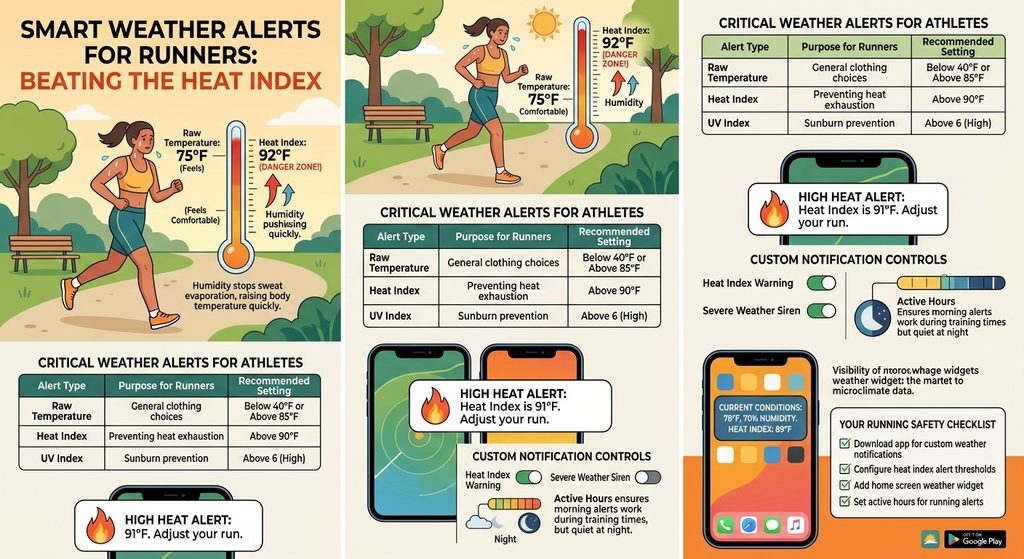
| Alert Type | Purpose for Runners | Recommended Setting |
|---|---|---|
| Raw Temperature | General clothing choices | Below 40F or Above 85F |
| Heat Index | Preventing heat exhaustion | Above 90F |
| UV Index | Sunburn prevention | Above 6 (High) |
Can home screen weather widgets show the real-time heat index?
Yes, home screen weather widgets display real-time conditions, including the current heat index and hourly trends. This allows runners to verify safety levels instantly without opening the application.
Adding a widget keeps microclimate data easily accessible. You can view hourly forecasts for temperature and humidity, helping you time your run for the coolest part of the day.
What notification controls work best for morning athletes?
Active Hours and Quiet Hours allow athletes to restrict non-urgent weather notifications during sleep while ensuring emergency severe weather warnings still sound alarms. This prevents unnecessary wake-ups from minor weather shifts.
You can assign a custom chime for your morning heat index warning while keeping loud sirens reserved strictly for tornado warnings or flash flood alerts.
Follow this checklist to optimize your running safety:
- Download Weather Alerts for custom weather notifications on Google Play.
- Navigate to the temperature alerts menu and select the heat index option.
- Set a threshold that matches your heat tolerance.
- Add a home screen weather widget to monitor hourly humidity trends.
- Configure Active Hours so your running alerts trigger exactly when you wake up.