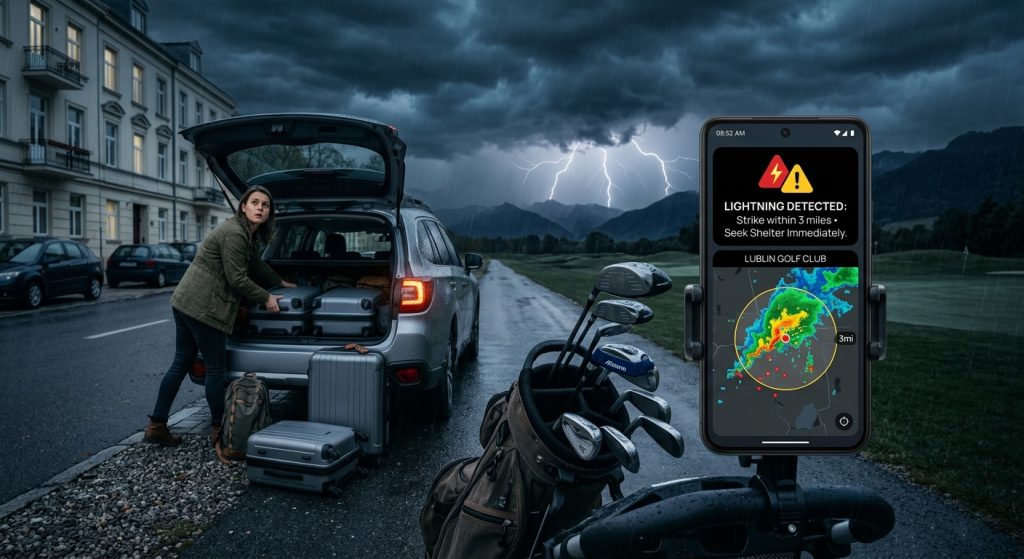
Golfers and hikers share a common vulnerability to sudden atmospheric changes while miles away from a safe shelter. Therefore, having reliable access to severe weather warnings is a critical safety measure for any outdoor enthusiast.
To protect yourself from unexpected storms, you must configure custom weather alerts that trigger push notifications for nearby lightning strikes. Specifically, using a dedicated lightning tracker ensures you receive emergency warnings before trail or course conditions become dangerous.
How do you set up a live lightning tracker?
You set up a lightning tracker by opening your weather app, navigating to the live weather radar, and enabling the specific lightning strike layer. As a result, you can monitor real-time lightning strikes and approaching storms directly on your map.
Furthermore, this visual confirmation helps you decide if it is time to leave the golf course or hiking trail. You can also view official weather service warnings alongside the storm radar for a complete picture of the threat.
What are the best custom notification controls for hikers?
The best custom notification controls for hikers include setting specific weather description alerts for lightning and thunderstorms with loud emergency sounds. Similarly, you should configure your volume settings to ensure warnings break through ambient outdoor noise.
For instance, adjusting your audio profiles makes a significant difference depending on your activity. To learn more about configuring these specific options, read the weather alert guides on our blog.
| Alert Type | Recommended Sound | Ideal Activity |
|---|---|---|
| Severe Thunderstorm | Loud Siren | Hiking in remote areas |
| Rain & Snow Alerts | Short Chime | Golfing near clubhouses |
| Lightning Strike | Distinct Bell | Open-field activities |
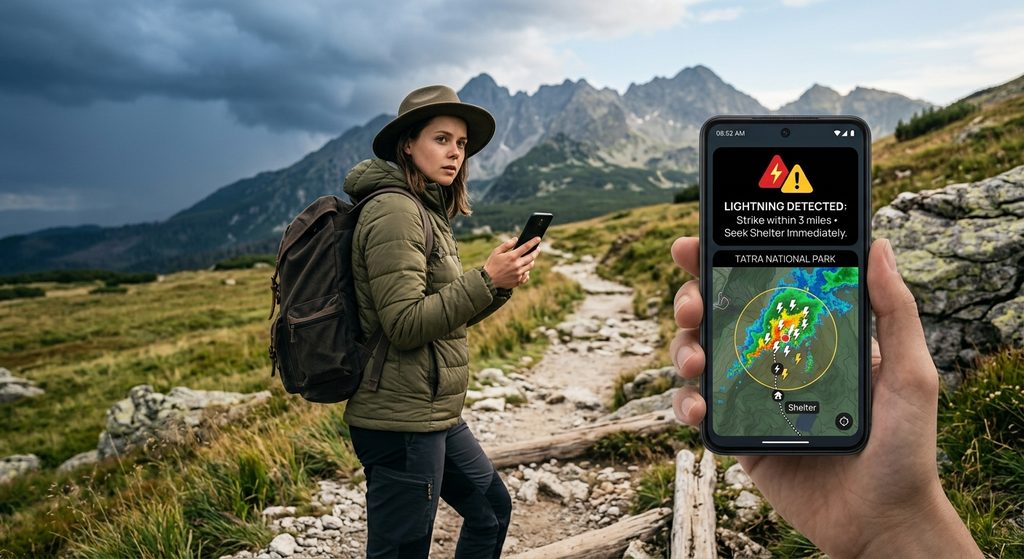
Why should you use Quiet Hours and Active Hours?
You should use Quiet Hours and Active Hours to reduce non-urgent notifications while ensuring critical emergency warnings always get through. Consequently, your phone battery lasts longer on the trail without sacrificing your personal safety.
Instead of draining your device with constant updates, you can limit alerts to your specific outdoor schedule. Next, you can add a home screen weather widget to check real-time conditions silently during your designated Quiet Hours.
How do you install the Weather Alerts: Radar Tracker app?
You install the app by visiting the app store, downloading the application, and granting permission for location-based push notifications. Finally, you can immediately begin customizing your live weather radar preferences to suit your outdoor lifestyle.
To get started safely before your next outdoor trip, follow these essential steps.
- First, download Weather Alerts from our official site.
- Alternatively, get it directly from the Google Play Store.
- Next, enable location services for accurate local weather zone tracking.
- Then, set up your custom weather alerts for lightning and rain thresholds.
- Finally, review the privacy policy to understand how your location data is protected.