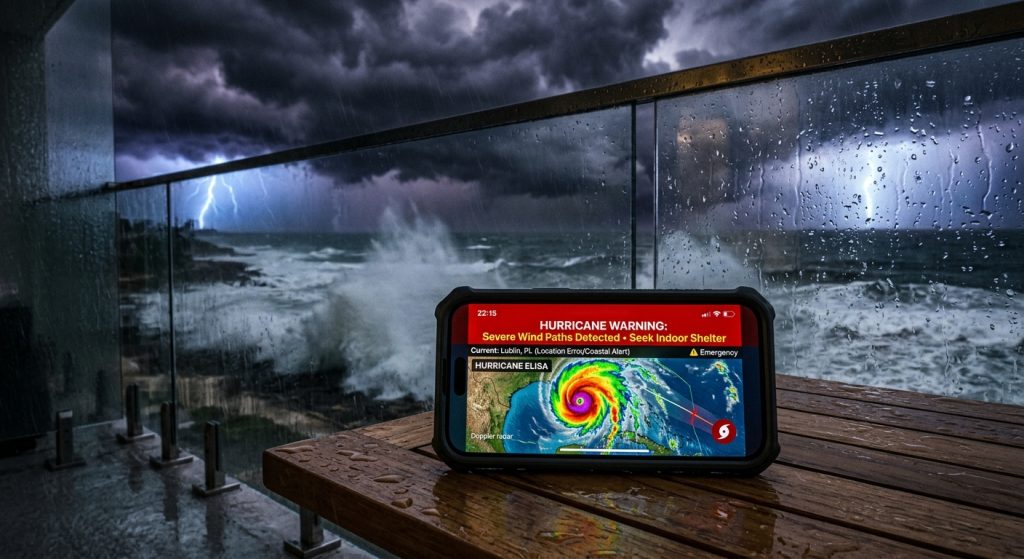
Coastal travelers often rely on outdated information or rumors when facing severe weather warnings.
To stay protected during your trip, you need a dedicated hurricane tracker that delivers live weather radar and push notifications directly to your phone. Specifically, custom weather alerts cut through the noise so you know exactly when a dangerous storm approaches your specific location.
Do basic apps provide sufficient hurricane warning alerts?
No, basic apps only offer generic regional updates rather than precise storm radar tracking. Therefore, coastal travelers require specialized apps with live doppler radar to track exact wind paths and weather front boundaries.
For example, relying on a default widget might delay critical evacuation notices. Instead, you need real-time data from an advanced weather tracker app. However, many travelers assume all apps refresh at the same speed. Actually, specialized tools pull official weather service warnings instantly.
Can I rely only on outdoor sirens for severe weather warnings?
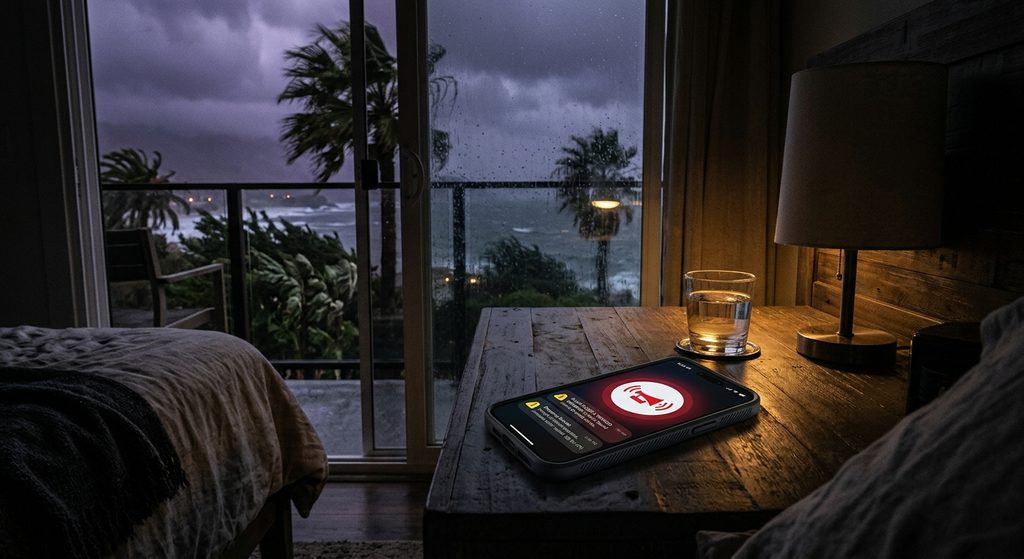
Emergency sirens are designed strictly for outdoor use and frequently fail to wake people sleeping indoors in hotel rooms. As a result, you must rely on push notifications with loud, custom sounds for critical indoor updates.
In addition, hotel structures often block outdoor noise. Specifically, using download Weather Alerts allows you to assign sirens for tornado warnings and chimes for rain. Consequently, you hear exactly what matters. Similarly, setting Active Hours ensures you receive emergency notifications with sound when you are asleep.
Will a live weather radar app drain my battery all day?
Modern applications optimize data usage, so checking live radar maps only consumes minimal battery power. Meanwhile, setting custom weather alerts ensures the app only wakes your device when severe weather threatens.
Still, travelers worry about keeping GPS on constantly. Fortunately, you can set specific local weather zones manually. For instance, you can monitor your rental home’s location without constant background tracking. Next, you can add a home screen weather widget to check hourly trends without opening the app.
Are all push notifications just annoying spam during a storm?
Not if you control the notification thresholds, because advanced apps let you filter out minor updates and only receive alerts for dangerous conditions. Finally, you can use Quiet Hours to block non-urgent drizzle alerts while letting emergency hurricane warnings through.
Because severe weather bugs can strike quickly, having customized controls is essential. Also, you can find more tips on setting up these filters by reading weather alert guides on our blog. Therefore, you stay informed without the clutter.
| Feature | Generic Weather App | Weather Alerts: Radar Tracker |
|---|---|---|
| Hurricane Tracker | Basic text updates | Live radar maps and wind paths |
| Push Notifications | Standard system beep | Custom emergency sounds and sirens |
| Severe Weather Warnings | Delayed regional alerts | Instant official emergency notifications |
To ensure your next coastal trip is secure, follow these critical next steps to configure your device.
- Install “Weather Alerts: Radar Tracker” on your mobile device for iOS via the App Store or for Android via Google Play.
- Add your coastal travel destination as a saved local weather zone.
- Configure push notifications to play a loud siren for hurricane and flash flood warnings.
- Set up a home screen weather widget to monitor live radar maps at a glance.
- Review the privacy policy and terms to understand how your location data is protected.