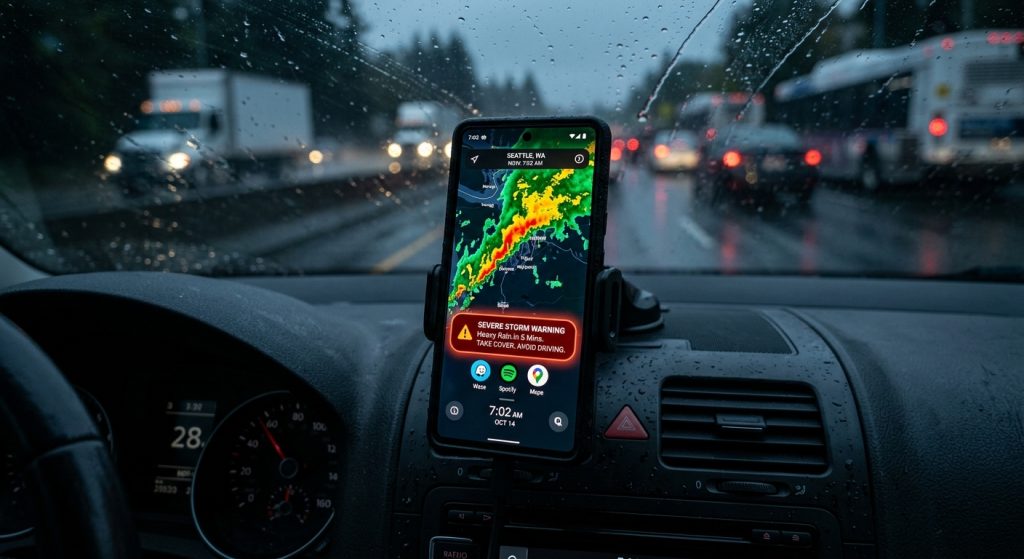
Busy commuters cannot afford to waste time opening multiple apps when sudden storms threaten their daily drive.
Proactive custom notifications combined with a home screen weather widget provide the fastest way to monitor severe conditions. Instead of reactively searching for forecasts, you receive critical updates instantly on your screen.
Why is proactive weather checking better than reactive?
Proactive weather checking uses custom push notifications to alert you automatically about dangerous conditions, whereas reactive checking requires you to manually open an app. This ensures you never miss a sudden weather front.
For example, tracking weather front movements manually takes time. However, setting up custom weather alerts means the system does the work for you. You can learn more about our features on the Weather Alerts product overview.
How do home screen weather widgets save commuters time?
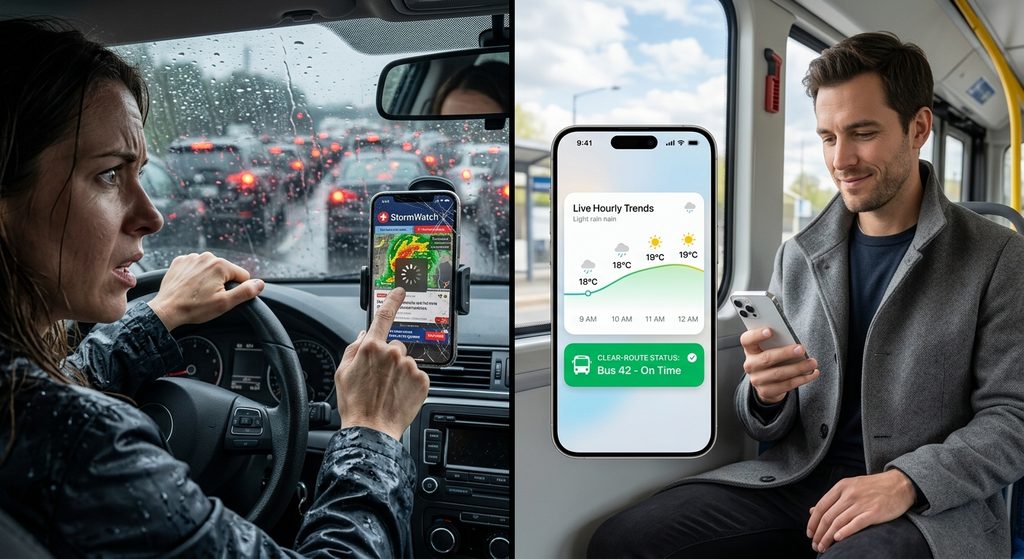
A weather widget on home screen layouts displays real-time conditions, hourly trends, and active warnings instantly without requiring you to open the app. Therefore, commuters can glance at their phone and immediately plan their route.
Specifically, checking live weather radar or daily forecasts becomes effortless. Next, you can see exactly how these methods compare.
| Feature | Reactive App Checking | Proactive Widgets & Alerts |
|---|---|---|
| Information Access | Manual search required | Instant home screen display |
| Severe Weather Warnings | Delayed discovery | Immediate push notifications |
| Commute Planning | Takes extra time | Glanceable hourly trends |
What custom alert settings protect daily travel?
Commuters can set rain probability thresholds, wind speed limits, and sudden temperature spike warnings to trigger push notifications before they leave the house. As a result, you avoid driving into severe thunderstorm or flash flood zones unprepared.
In addition, using Quiet Hours and Active Hours ensures you only get emergency notifications with sound when you are actually awake and commuting. Similarly, you can customize sounds for specific events, like chimes for rain.
How can I install Weather Alerts: Radar Tracker?
You can install “Weather Alerts: Radar Tracker” directly from Google Play to instantly access custom notifications, live doppler radar, and home screen weather widgets. This ultimate tool upgrades your daily travel safety.
Ready to stop guessing about your morning drive? Download Weather Alerts for custom weather notifications on Google Play. You can also read more custom weather alert guides on our blog to master your daily setup.
- Add a weather widget to your main home screen for quick glances.
- Set custom weather alerts for rain and snow thresholds.
- Configure Active Hours to match your commute schedule.
- Enable emergency notifications with sound for severe warnings.